


Description
Download DownThemAll – Fast, Free, Secure Bulk Downloader for Firefox
Overview – Why DownThemAll Is a Game‑Changer for Web Downloads
Browsing the modern web often means juggling dozens, sometimes hundreds, of files that you need to save – images, PDFs, videos, software installers, and more. Clicking each link individually is not only tedious, it also slows down productivity. DownThemAll steps in as a powerful browser add‑on that transforms Firefox into a high‑speed, intelligent download manager. The extension scans every page you visit, detects all downloadable assets, and presents them in an organized checklist. You can then pick exactly what you need, apply custom filters (by file type, size, or domain), and launch a bulk download with a single click. The tool promises speeds that outpace the native Firefox downloader, thanks to multi‑threaded connections that split files into several parts and fetch them simultaneously. In addition, DownThemAll lets you pause, resume, or even reorder downloads on the fly, making it ideal for large batches or flaky network conditions. Security is baked in – the add‑on respects the same sandboxing rules as Firefox, and all downloads are saved to the folder you designate, without hidden background processes. Whether you are a web designer pulling assets from a client site, a researcher collecting PDFs, or a casual user who wants to save an entire photo gallery, DownThemAll delivers a streamlined, secure experience that eliminates the repetitive click‑driven workflow of traditional browsers.
Key Features, Compatibility, and the Real‑World Pros & Cons
Feature List
- Automatic detection of all links, images, media, and PDFs on a page.
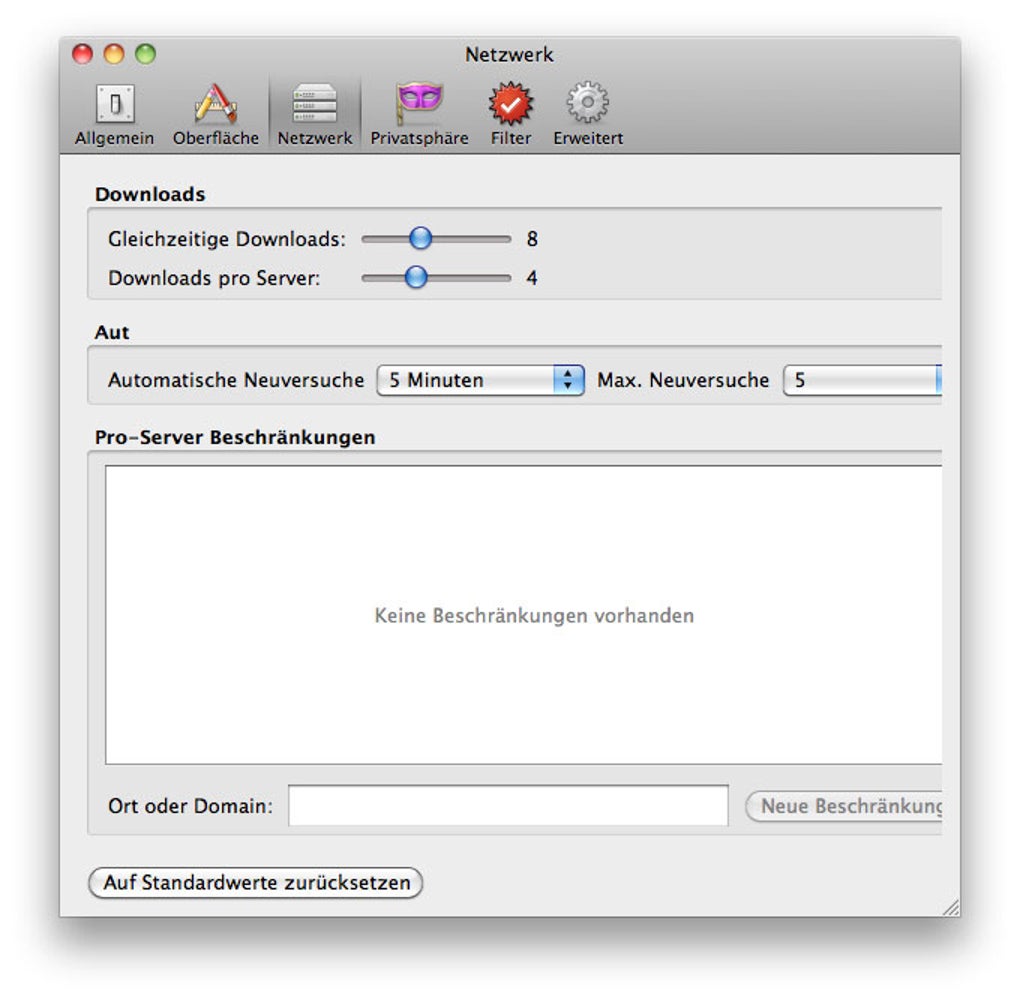
- Multi‑threaded downloading for up to 8 simultaneous connections per file.
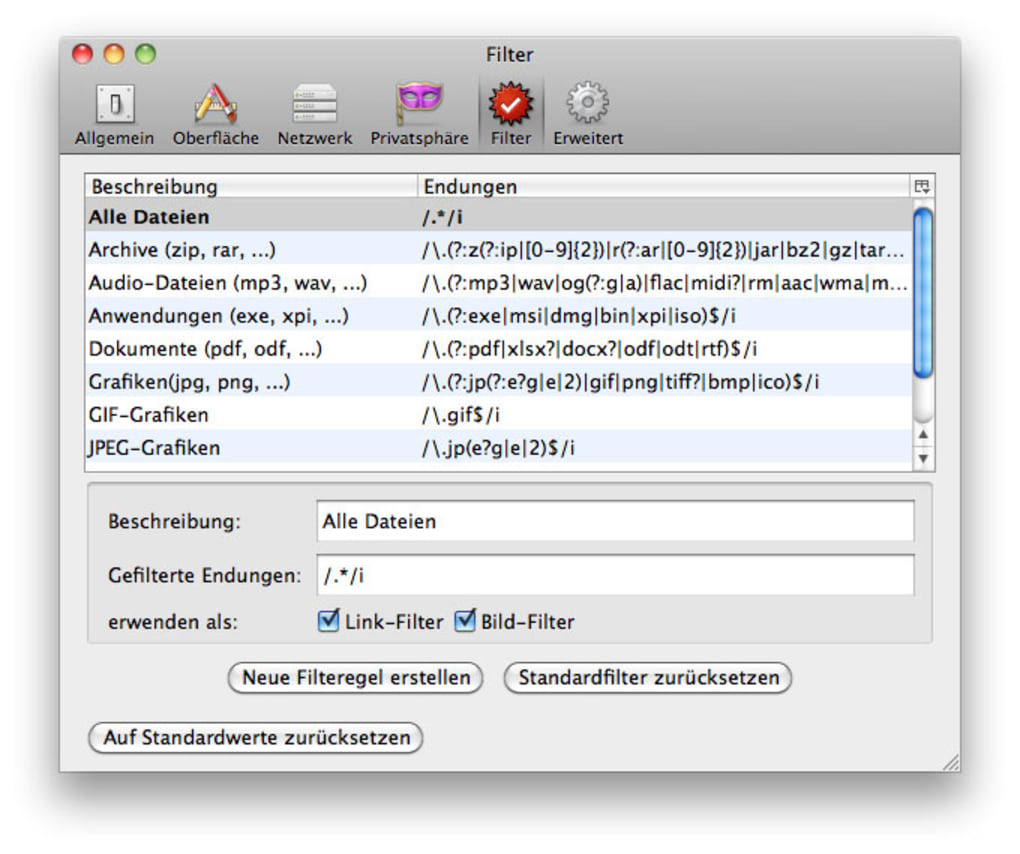
- Customizable filter system (by file extension, size range, or URL pattern).
- Pause, resume, and reorder downloads without losing progress.
- Integrated “Download All” button directly in the Firefox toolbar.
- Support for HTTP, HTTPS, and FTP protocols.
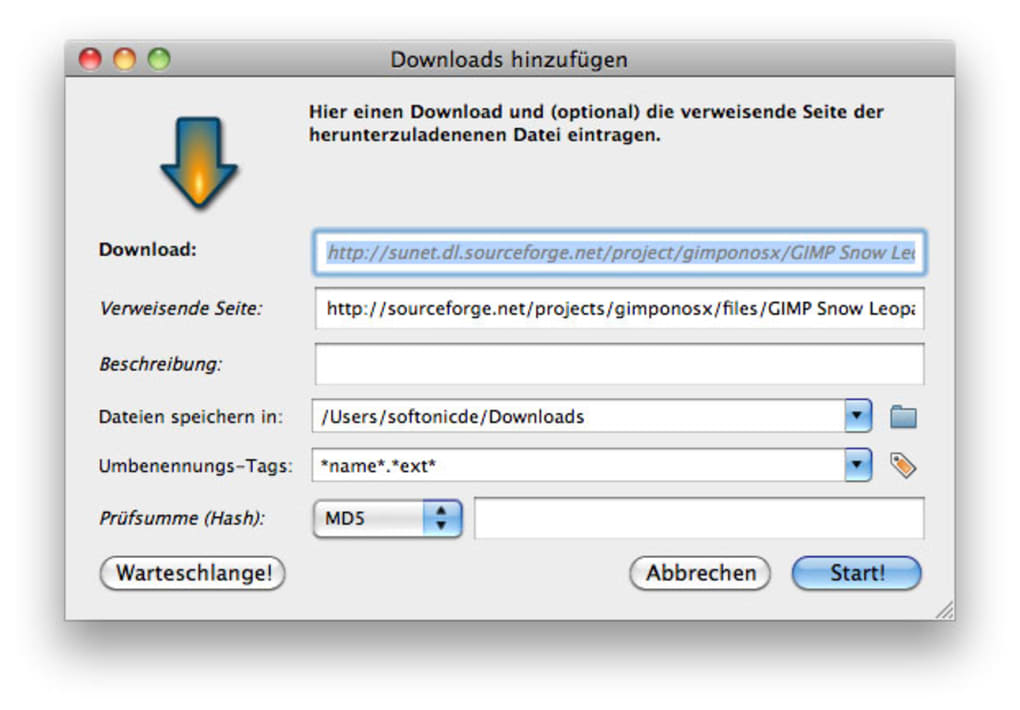
- Batch renaming rules and destination folder selection.
- Lightweight UI that blends with Firefox’s native design.
Compatibility
DownThemAll is built exclusively for the Mozilla Firefox browser and works on all major desktop operating systems that support Firefox – Windows 10/11, macOS 10.15+ (Catalina and later), and popular Linux distributions (Ubuntu, Fedora, Debian, etc.). Because it runs as a browser extension, it inherits Firefox’s own security sandbox, ensuring that the add‑on behaves consistently across platforms. Mobile versions of Firefox do not currently support DownThemAll, but the desktop experience is fully optimized for both 64‑bit and 32‑bit environments.
Pros
- Speeds up bulk downloads dramatically thanks to multi‑threading.
- Highly granular filtering lets you target exactly the files you need.
- Seamless integration with Firefox’s UI; no separate window required.
- Free to use with regular updates from the developer.
- Pause and resume functionality protects against network interruptions.
Cons
- Only available for Firefox; no Chrome or Edge version yet.
- Advanced filter syntax can be intimidating for beginners.
- Large batches may consume significant RAM on low‑end machines.
- Mobile Firefox does not support the extension.
Installation, Usage Guide, and Frequently Asked Questions
Step‑by‑Step Installation
- Open Mozilla Firefox and navigate to the official Add‑ons site (addons.mozilla.org).
- Search for “DownThemAll” or follow the direct link provided by the developer.
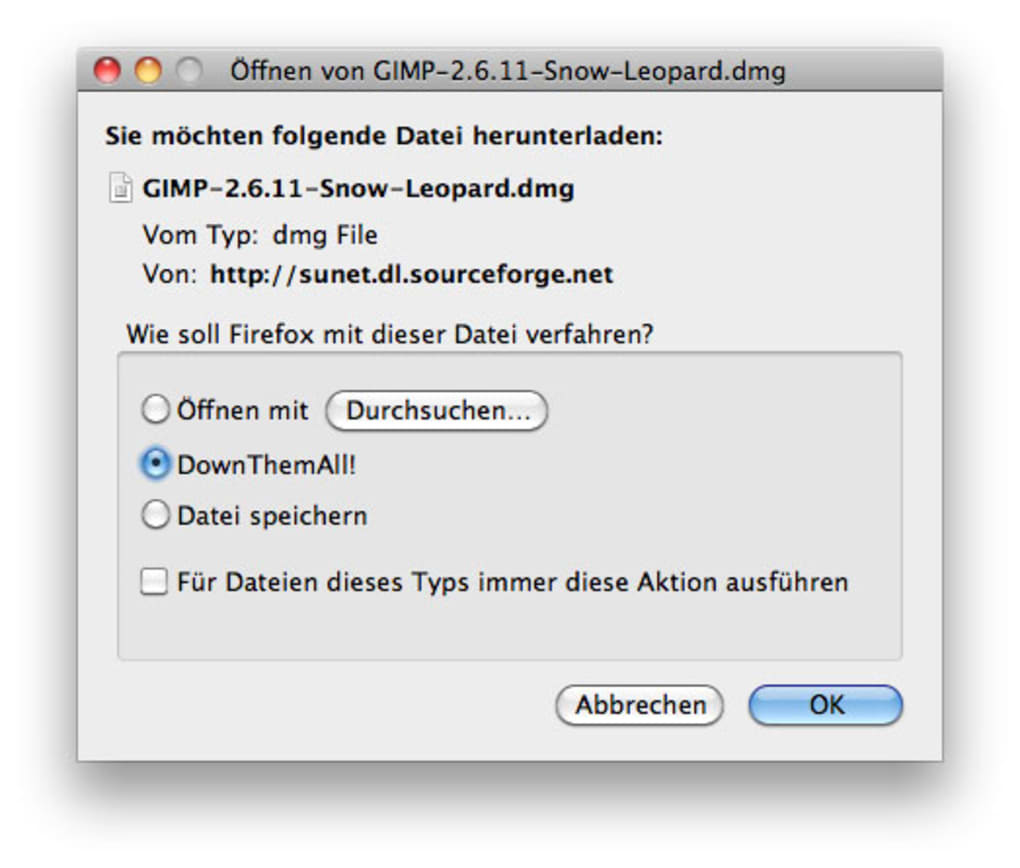
- Click the “Add to Firefox” button and confirm the permission prompt.
- After installation, a small DownThemAll icon appears in the toolbar; click it to pin the extension if desired.
- Restart Firefox (optional) to ensure the add‑on loads correctly.
How to Use DownThemAll Effectively
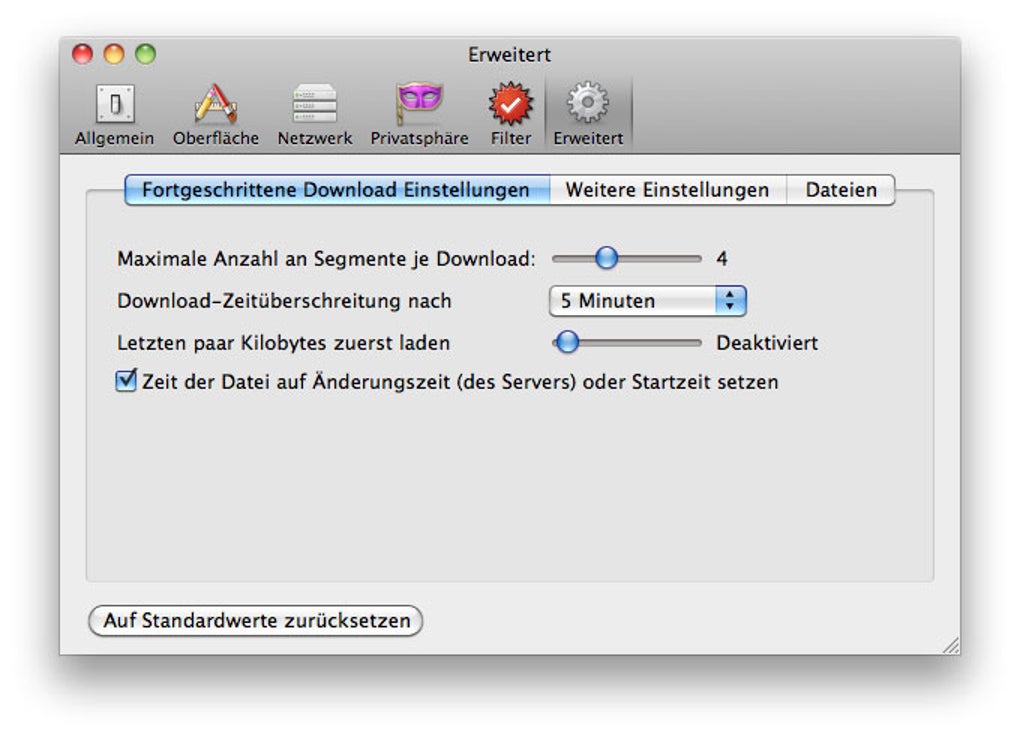
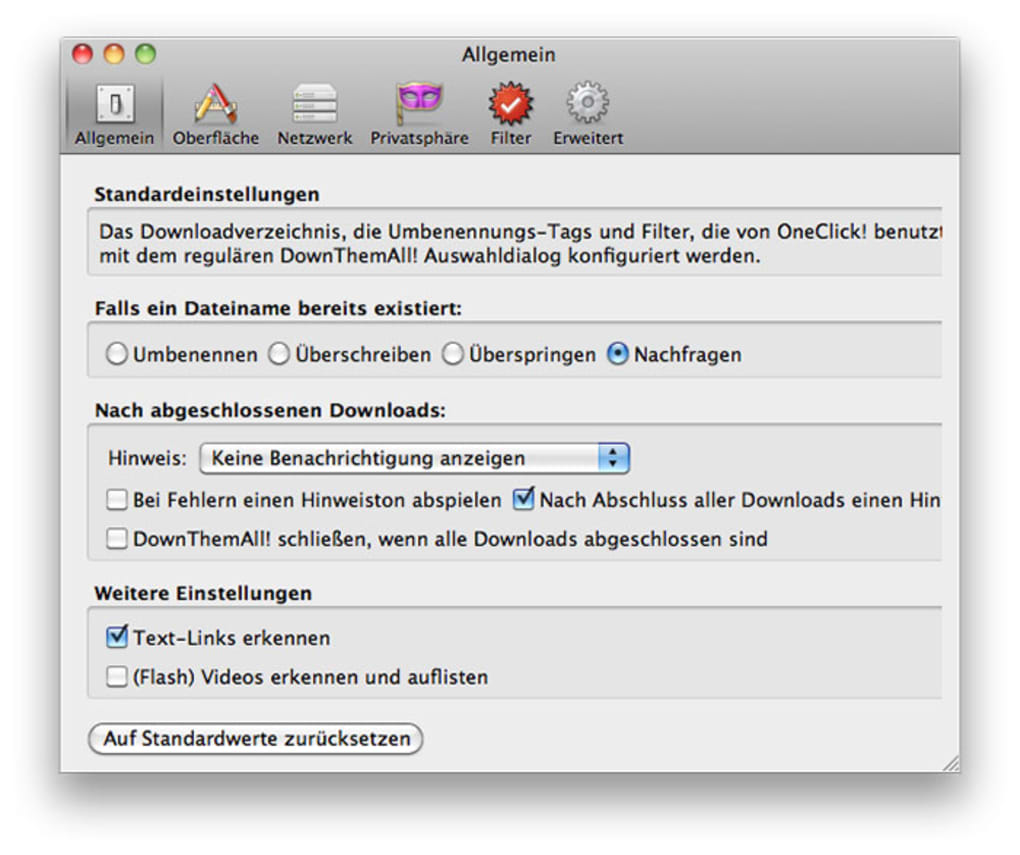
Once installed, simply browse to any page containing downloadable items. Click the DownThemAll icon or right‑click on the page and select “DownThemAll!” from the context menu. The extension opens a panel listing every detected file with checkboxes. Use the filter bar at the top to narrow results – type “.jpg” to see only images, or “>5MB” to isolate larger files. Select the desired items, choose a destination folder, and press “Download”. The manager will open a progress window where you can pause, resume, or reorder tasks. For power users, the “Advanced Settings” tab allows you to set the number of simultaneous connections, define custom rename patterns (e.g., “{filename}_{date}”), and enable automatic extraction of archives after download.
FAQ – Answers from the DownThemAll Team
Is DownThemAll completely free?
Yes, the core extension is free to download and use. The developer occasionally offers a “donate” button for users who want to support continued development.
Can I download files from password‑protected sites?
DownThemAll respects the authentication state of your Firefox session. If you are logged into a site, the add‑on can access and download files that are available to that session.
What happens if my internet connection drops?
The download manager automatically pauses interrupted files. When the connection is restored, you can resume the download from where it left off, preserving already‑downloaded data.
Does DownThemAll scan for hidden or embedded resources?
Yes, the extension parses the page’s HTML, CSS, and JavaScript to surface both visible links and hidden assets such as background images or media files referenced in scripts.
Can I limit the download speed to avoid saturating my bandwidth?
In the settings menu you can set a maximum download rate (KB/s) for each file, ensuring other applications retain sufficient bandwidth.
Conclusion – Get DownThemAll Today and Streamline Your Downloads
DownThemAll fills a clear niche in the Firefox ecosystem by turning a routine browsing session into a high‑efficiency downloading workflow. Its blend of speed, granular filtering, and reliable pause/resume capabilities makes it a must‑have for anyone who regularly saves multiple files from the web. While the lack of cross‑browser support may disappoint users on Chrome or Edge, the focused development on Firefox ensures a stable, secure, and regularly updated experience. The free price tag, combined with the developer’s commitment to frequent updates, means you can trust DownThemAll for both occasional bulk downloads and daily productivity tasks.
Ready to boost your download speed and eliminate repetitive clicks? Download DownThemAll now from the official Mozilla Add‑ons site, install it in seconds, and start grabbing everything you need with confidence. Experience faster, smarter, and more secure bulk downloads today.
Overall Rating: 4.5 / 5
Pros: Speed, advanced filters, pause/resume, free.
Cons: Firefox‑only, learning curve for filters.
Guides & Tutorials for DownThemAll
How to install DownThemAll
- Click the Preview / Download button above.
- Once redirected, accept the terms and click Install.
- Wait for the DownThemAll download to finish on your device.
How to use DownThemAll
This software is primarily used for its core features described above. Open the app after installation to explore its capabilities.
User Reviews for DownThemAll 0
No reviews found




.webp)